
Night shift differential
An extra hourly amount for qualifying night hours. If only 8 hours of a 12-hour shift qualify, enter 8 eligible night hours. A $5 differential adds $40, on top of base pay. See flat-rate and percentage examples.
What could your next shift add up to? Bring your hourly rate, differentials, and pickup bonus together in one clear gross-pay estimate.
Loading the interactive calculator… If it doesn’t appear, enable JavaScript or use the formula below.
Your estimate will appear here.
Yorly · Single-shift estimate
Based on user-entered assumptions; not an employer-issued pay statement. Excludes overtime, holiday premiums, taxes and deductions. Confirm pickup bonus conditions separately.
A simplified gross-pay estimate, before taxes and deductions. Base pay is calculated at straight time for every paid hour. This tool excludes overtime, holiday premiums, take-home pay, and exact payroll calculations. Each earnings line is rounded to the nearest cent, then added. Actual earnings depend on your employer’s policies and applicable pay rules. Check your pay agreement and pay statement.
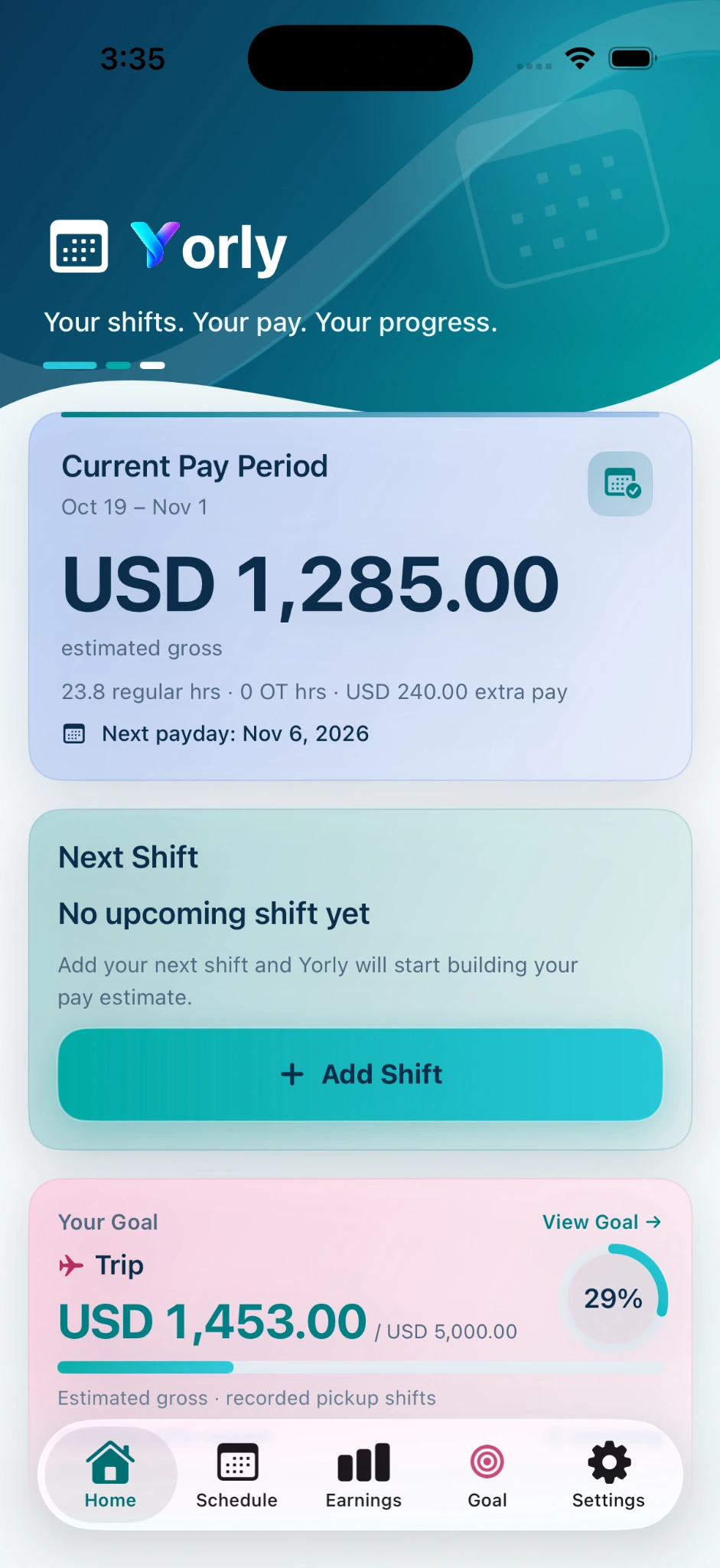
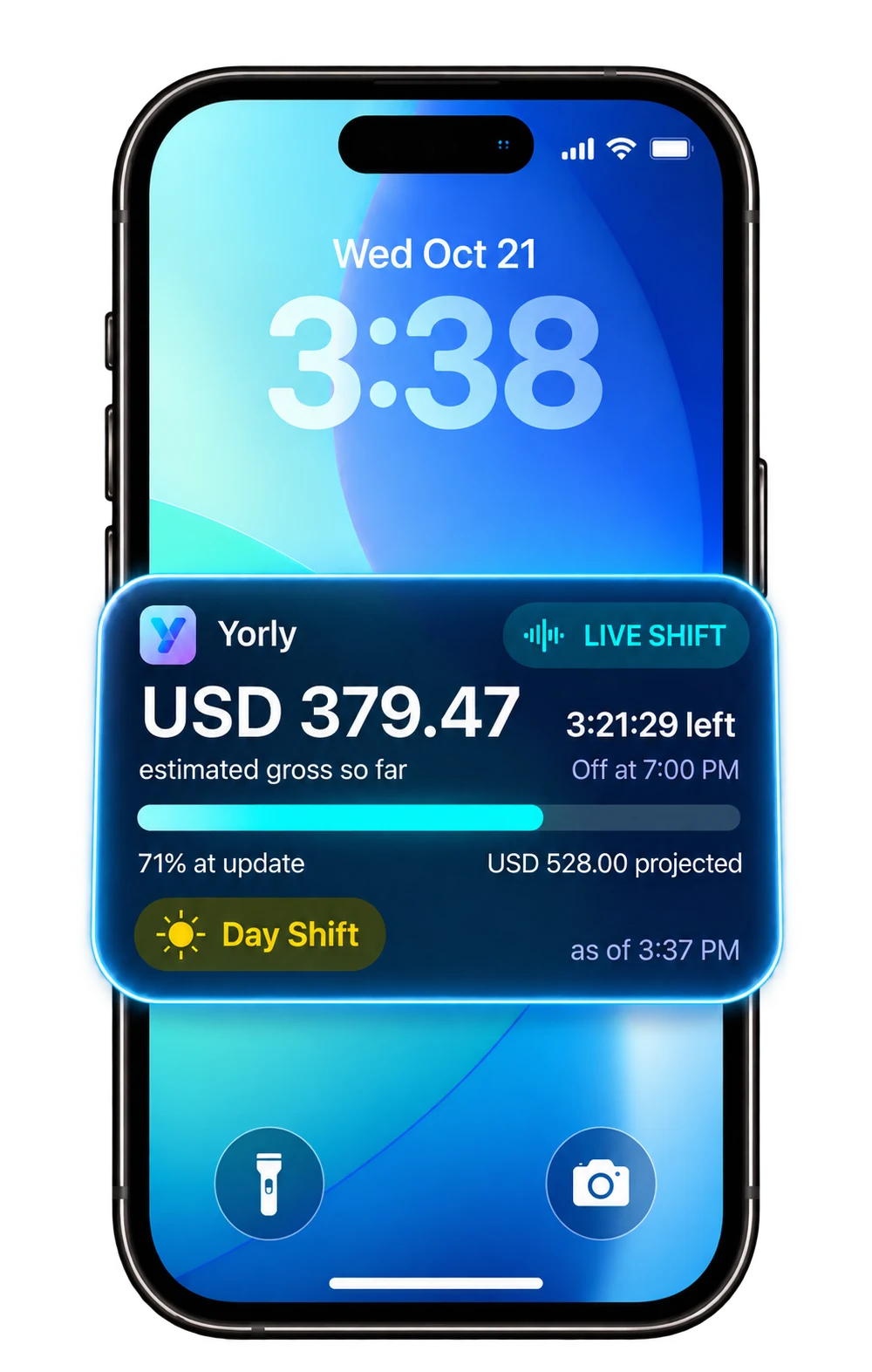
With Yorly for iPhone, configure supported pay rules, record regular and pickup shifts, and follow your estimated gross earnings without rebuilding the calculation each time. Compare your independent records with your pay statement when something looks off.
Considering a pickup? Record the shift in Yorly if you take it so you can see it alongside the rest of your pay period.
 Explore Yorly
Paid monthly and annual subscriptions are available. Live Shift shows estimate snapshots on supported iOS versions with Live Activities enabled. Automatic scheduled starts require iOS 26 or later. Goal progress is not savings or funds held.
A few details make a meaningful difference. Here’s how to use this nurse shift differential calculator.
An extra hourly amount for qualifying night hours. If only 8 hours of a 12-hour shift qualify, enter 8 eligible night hours. A $5 differential adds $40, on top of base pay. See flat-rate and percentage examples.
Extra pay for hours your employer defines as eligible weekend time. Enter those paid hours only. If the same hours qualify for both night and weekend premiums, include them in both fields only when your employer stacks them.
A flat bonus adds once to the shift’s estimate. For a $150 pickup incentive, enter 150. Confirm any conditions with your employer; an offered bonus may depend on completing the shift or other requirements. Compare the pay with the time you give up.
Try the example: $42 × 12 paid hours = $504 base pay. Add $5 × 8 eligible night hours ($40), $3 × 12 eligible weekend hours ($36), and a $150 pickup bonus. Total estimated gross: $730. The night hours overlap with the weekend hours; both premiums are included.
The formula: (base rate × paid hours) + (night differential × eligible night hours) + (weekend differential × eligible weekend hours) + flat pickup bonus. For percentage premiums, find the hourly premium by multiplying base hourly pay by the percentage. Effective gross hourly earnings are the total, including any bonus, divided by paid hours.
NOW AVAILABLE ON IPHONE
Track estimated earnings, see your pay grow live, and turn shifts into progress toward your goals.
Monthly and annual subscriptions. Current prices and any eligible trial are shown in the app before purchase.
Multiply your base hourly pay by your paid hours. Add each hourly differential multiplied by only its eligible hours, then add a flat pickup incentive if one applies. For a percentage of base pay, multiply the base hourly rate by the percentage first. The estimate does not calculate overtime.
Yes, when your employer’s pay rules allow both. Confirm stacking only when your employer pays both for the same hours. Otherwise, enter non-overlapping eligible hours and assign any shared hours to the premium your employer actually pays. Switch auto night hours to manual if needed.
No. Enter paid shift hours and paid eligible differential hours only. For a 12-hour scheduled shift with a 30-minute unpaid break, paid duration is 11.5 hours. Reduce eligible night or weekend hours too if that unpaid break falls within their qualifying time.
No. This is a straight-time gross-pay estimate with the premiums and flat bonus you enter. Taxes, deductions, overtime, and holiday rules are excluded. A long shift or extra pickup is not automatically calculated as overtime. Healthcare overtime can involve differentials and bonuses; read our guide to night shift differential and overtime, or see the U.S. Department of Labor’s healthcare overtime guidance and confirm the rules that apply to your work. Working a holiday? Read our Thanksgiving night shift pay guide.
No. Calculations run locally in your browser. The calculator does not send entered pay amounts, save them in browser storage, or put them in the page URL. Refreshing the page restores the example. Standard website hosting may process technical request information, as described in our Privacy Policy.
Yes. Open Rate types and night time window, choose Percentage of base hourly pay, and enter the percentage. For example, 10% of $40 per hour adds $4 for each eligible paid hour. If your employer uses another rate basis, use its confirmed dollar-per-hour amount.
Calculator method checked November 14, 2026. U.S. dollars. General estimates, not payroll, tax, or financial advice.